Sitecore Pages (XM Cloud)
IMPORTANT: The Bynder DAM Connector for Sitecore XM/XP is not supported on XM Cloud and SitecoreAI. This connector is deprecated for XM Cloud scenarios. Migrate to the Bynder DAM Connector for SitecoreAI.
See Important Update: XM/XP Connector Deprecation for XM Cloud and SitecoreAI for details and migration guidance.
The XM/XP connector used to extend Sitecore Pages with an Edit DAM fields button.
Previously, when it still worked, you could use the "Edit DAM fields" buttons on components to open the Bynder DAM Connector dialog:
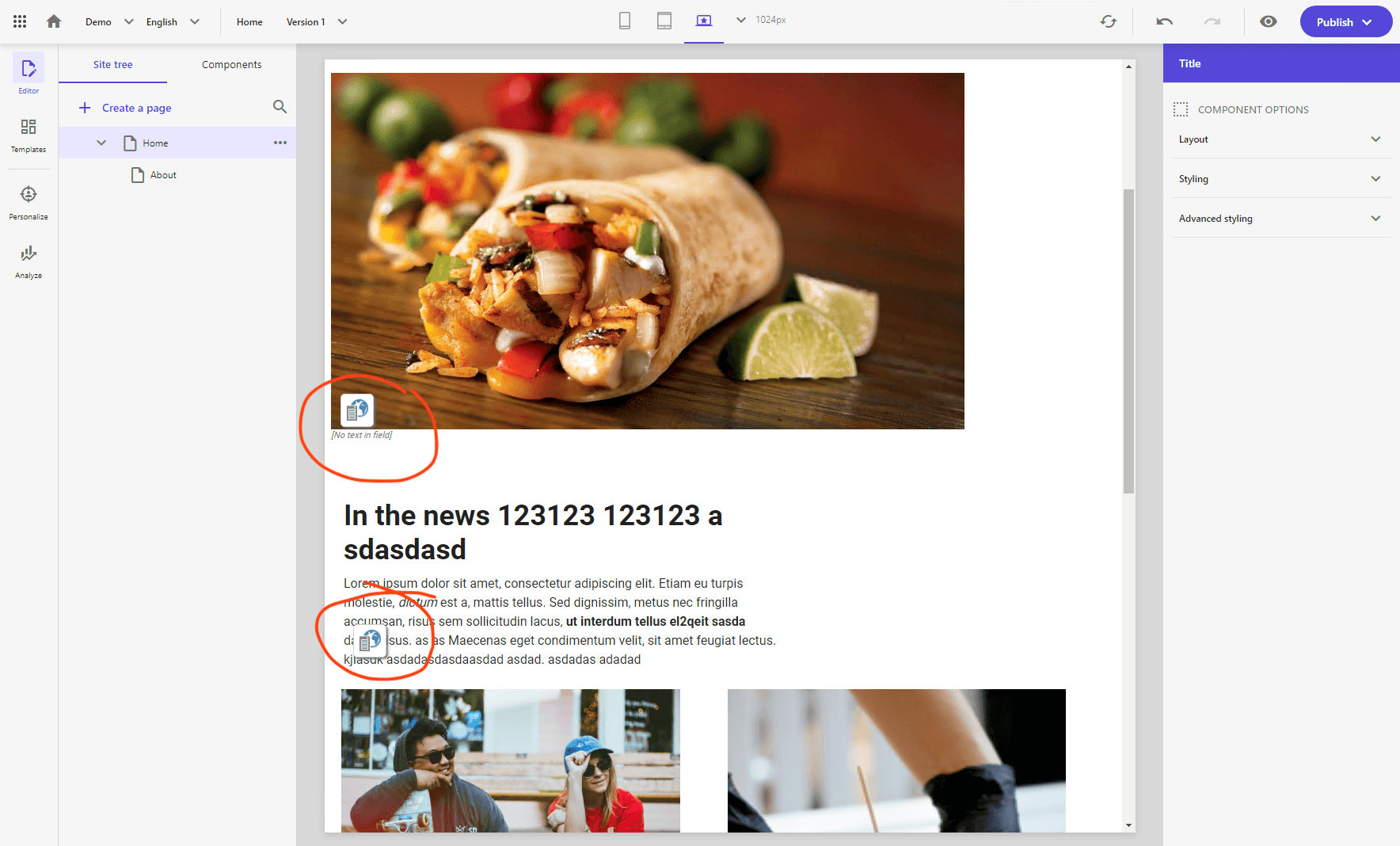
Clicking that button opened a Field Editor window that allowed you to edit the DAM fields applicable to the component:
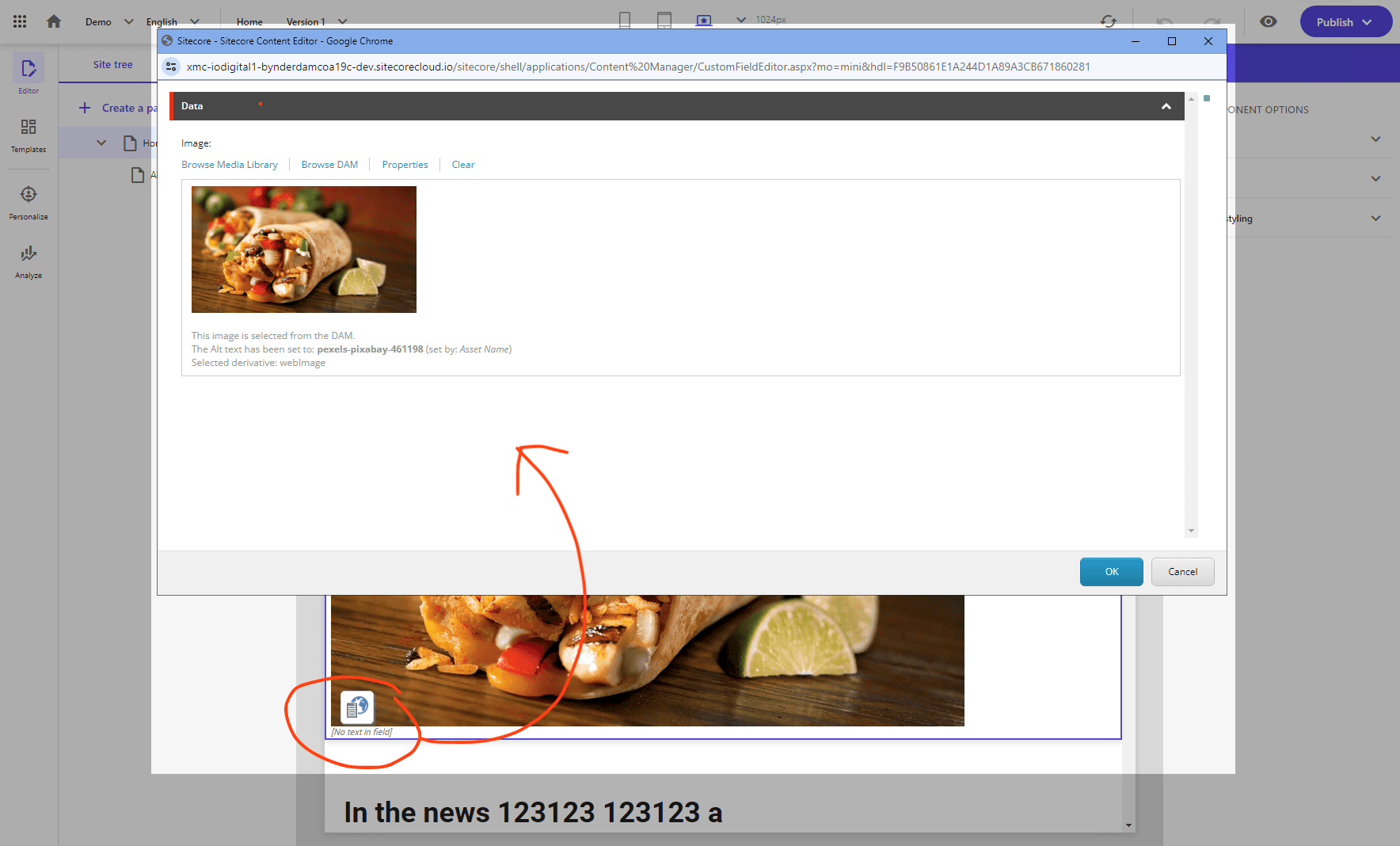
Changes that were made in the Field Editor would be saved back to the component content when you click the "OK" button.
In XM Cloud/SitecoreAI, this legacy XM/XP integration is deprecated and not supported.
Sitecore Pages now uses a newer integration model, and the legacy XM/XP connector integration is no longer reliably invoked there.
What this means in practice:
- The Edit DAM fields button will not open as expected in Pages
- Any remaining behavior in Content Editor is legacy and unsupported on XM Cloud/SitecoreAI
- XM/XP connector support is not available for XM Cloud/SitecoreAI
Recommended action:
Move to the Bynder DAM Connector for SitecoreAI and follow the migration guide: Migrating from XM/XP Connector to SitecoreAI Connector