Using Custom Field Types
After custom DAM field types have been added to a Sitecore template, content authors can use those fields on Sitecore items. These fields let authors select assets, files, videos, and links from Bynder DAM directly from the Sitecore Content Editor and Experience Editor.
Image [DAM, Single asset]
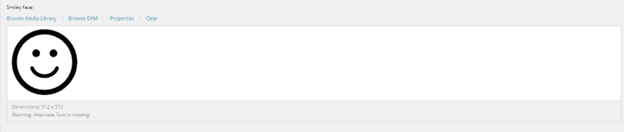
It allows one image from Bynder DAM to be selected. Web developer decides which derivative to use for rendering. This field type offers the following options: Browse Media Library, Browse DAM, Properties and Clear.

Image [DAM, Multi asset]
You can select Image [DAM, Multi asset] when multiple assets are needed at once. It is possible to choose a derivative for rendering. This field type offers four options: Browse Media Library, Browse DAM, Properties, and Clear.

Image [DAM, Single file]
This field type enables you to choose a single derivative of an image asset from Bynder. You can also apply transformations to the selected asset.
Video [DAM]
Video [DAM] field type enables users to browse and select videos from Bynder DAM.

General Link [DAM]
This allows users to choose a single derivative of any type of asset. It is generally used to create links to documents or other types of files. There are a number of choices: Insert link, Insert media link, Insert external link, Insert anchor, Insert email, Insert JavaScript, Insert DAM link, Follow and Clear.

File [DAM]
You can use File [DAM] to generate the path to all asset types. It is possible to load the file from Media Library or Bynder DAM, download file, view and clear.
