Custom field types
The Bynder DAM Connector installation package adds custom DAM field types to Sitecore that can be used on your templates. These fields define how content authors can select assets, files, videos, and links from Bynder DAM on Sitecore items.
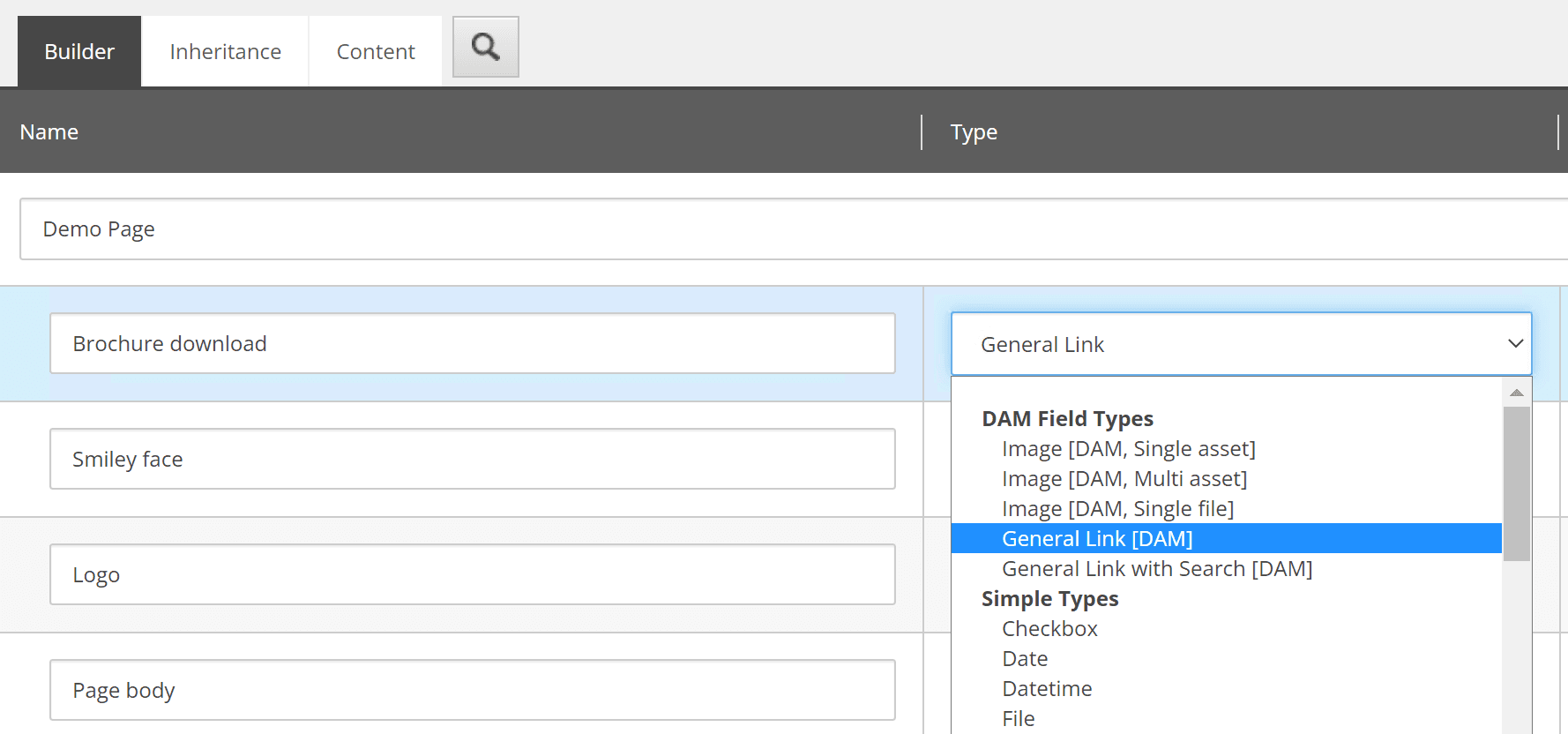
General Link

Use this field type when a template needs a link to a Bynder asset. It allows authors to select a single derivative of any asset type, which is commonly used for links to documents, downloads, or other files.
On Sitecore items, this field extends the regular General Link experience with an Insert DAM link option. Developers can render it through the standard Sitecore field renderer when the selected derivative is already stored in the field value.

Image (Single asset)
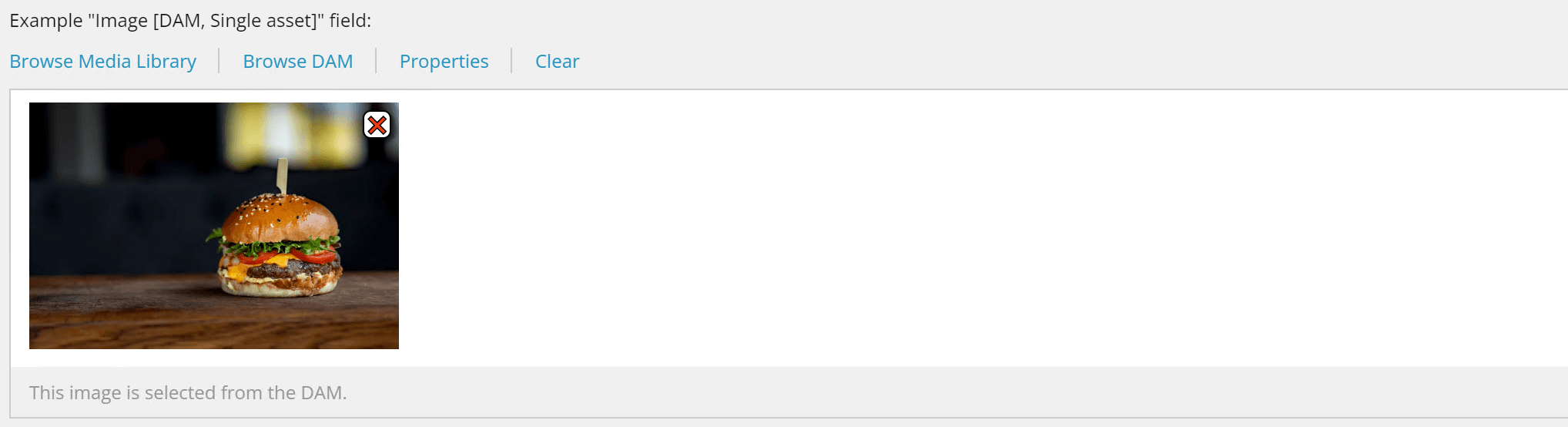
Use this field type when a template needs exactly one image from Bynder DAM. The content author selects the image asset, while the developer decides which derivative should be used when rendering.
This is useful when the template should enforce a consistent output size or derivative across all items that use the field.
Image (Multi asset)
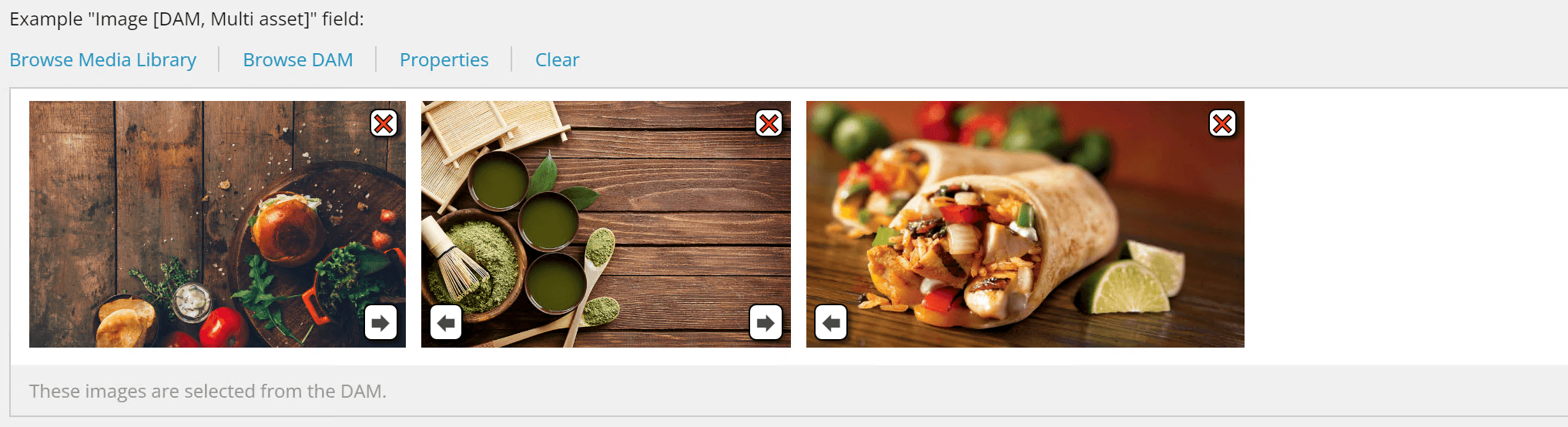
Use this field type when a template needs multiple images from Bynder DAM. Authors can select more than one asset, while developers control which derivative is used when rendering each image.
This is useful for galleries, carousels, image grids, and other multi-image layouts where consistent rendering is important.
Image (Single file)
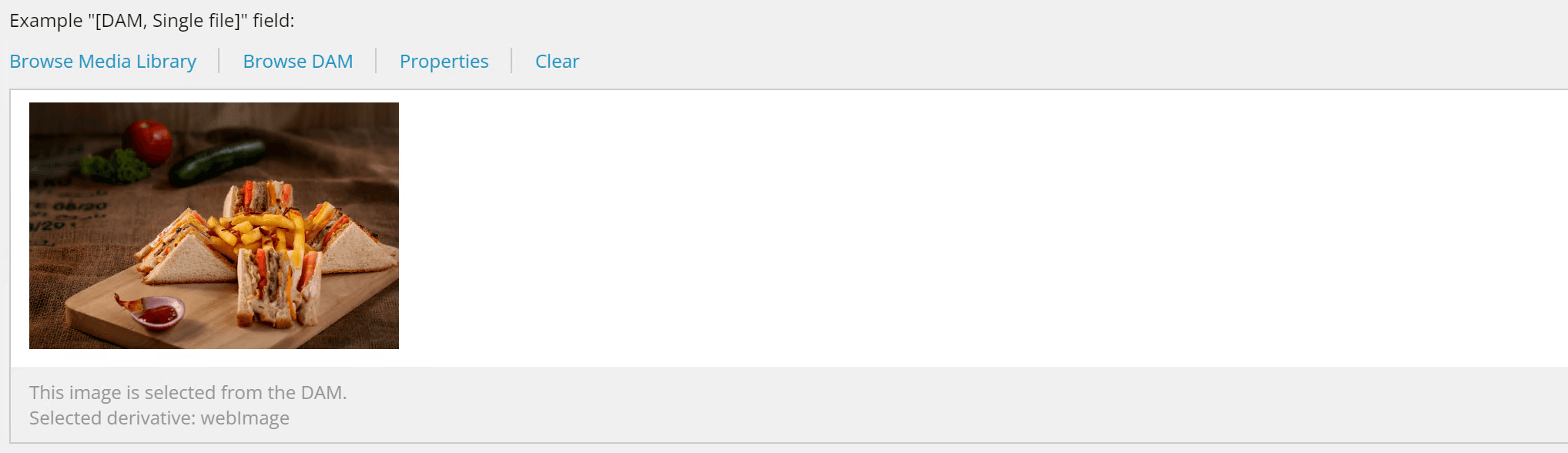
Use this field type when the author should choose the exact image derivative or transformed file that is stored on the item. Unlike Single Asset and Multi Asset fields, the selected derivative is part of the field value, so developers can render it directly without passing a derivative parameter.
This field supports:
- Derivatives: Different pre-configured sizes or versions of the asset
- Dynamic Asset Transformations (DAT): Custom image transformations such as:
- Resizing and cropping
- Applying filters (sepia, brightness, contrast, etc.)
- Format conversion
- Multiple transformations applied together
This flexibility makes it suitable for scenarios where content authors need direct control over asset rendering without developer intervention.
Video [DAM]
Use this field type when a template needs a video from Bynder DAM. Authors can browse Bynder and select a video asset on the Sitecore item.
Developers can render the selected video through the connector's field rendering support or read the selected asset data in code when custom markup is required.
File [DAM]
Use this field type when a template needs a file path or file reference for any asset type from Bynder DAM. Authors can load a file from the Sitecore Media Library or Bynder DAM, download the file, view it, or clear the selection.
This field is useful when the template stores a downloadable file, document, or other non-image asset reference.
For more details, see Asset Selection & Transformations in the User Manual.