Installation Package
If you would like to quickly install the Bynder DAM Connector in a single Sitecore XM or XP environment, you may do so by using the installation package.
For Sitecore XM/XP only - This installation method is for on-premises or Platform DXP deployments only. For Sitecore XM Cloud or SitecoreAI, use the Bynder DAM Connector for SitecoreAI instead.
Do not install a Sitecore package directly on a production environment without consulting your Sitecore system administrator!
Download
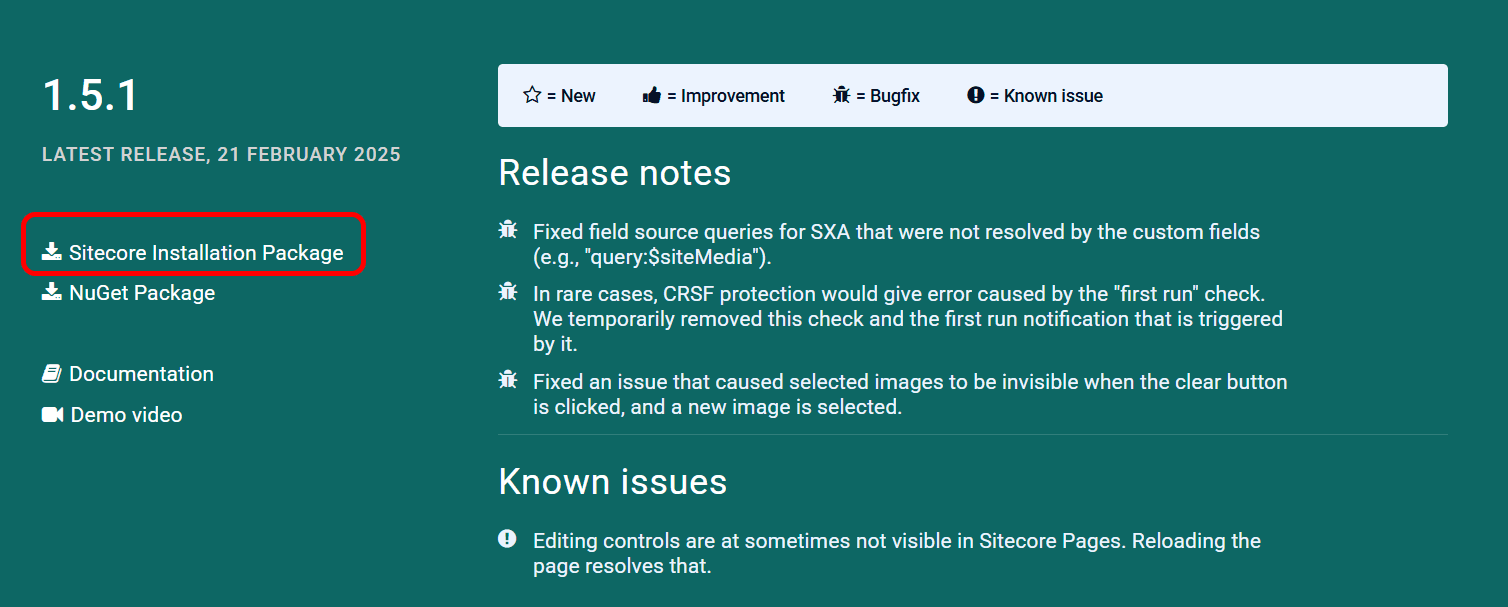
Download the latest version (opens in a new tab) of the installation package from our website.
The package is a ZIP archive containing files and content items that must be installed using the Sitecore package installation wizard.
Install
Then open the Desktop of your Sitecore Client, usually located at
https://[your-dev-domain]/sitecore/shell, and find the Installation Wizard in the menu.

Upload the installation package and then install it.
The installation will not override any standard files or items. It is safe to install this package without breaking existing behaviour or features.
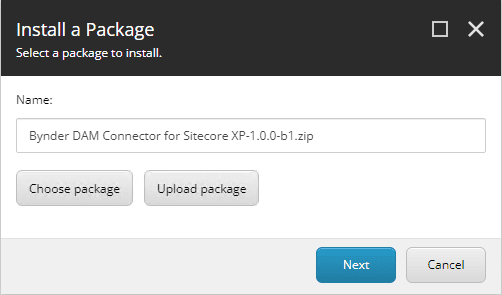
After installation, manually look up the DAM Connector Settings item in Sitecore at /sitecore/system/Modules/DAM Connector Settings and configure your API key there.
For field-level guidance, see configuration item in Sitecore.