Sitecore Pages (XM Cloud)
IMPORTANT: If you are using XM Cloud or SitecoreAI, we recommend migrating to the Bynder DAM Connector for SitecoreAI. The XP/XM Connector is being phased out for these platforms.
See Important Update: XP/XM Connector Deprecation for XM Cloud and SitecoreAI for details.
The XP/XM connector used to extend Sitecore Pages with an Edit DAM fields button.
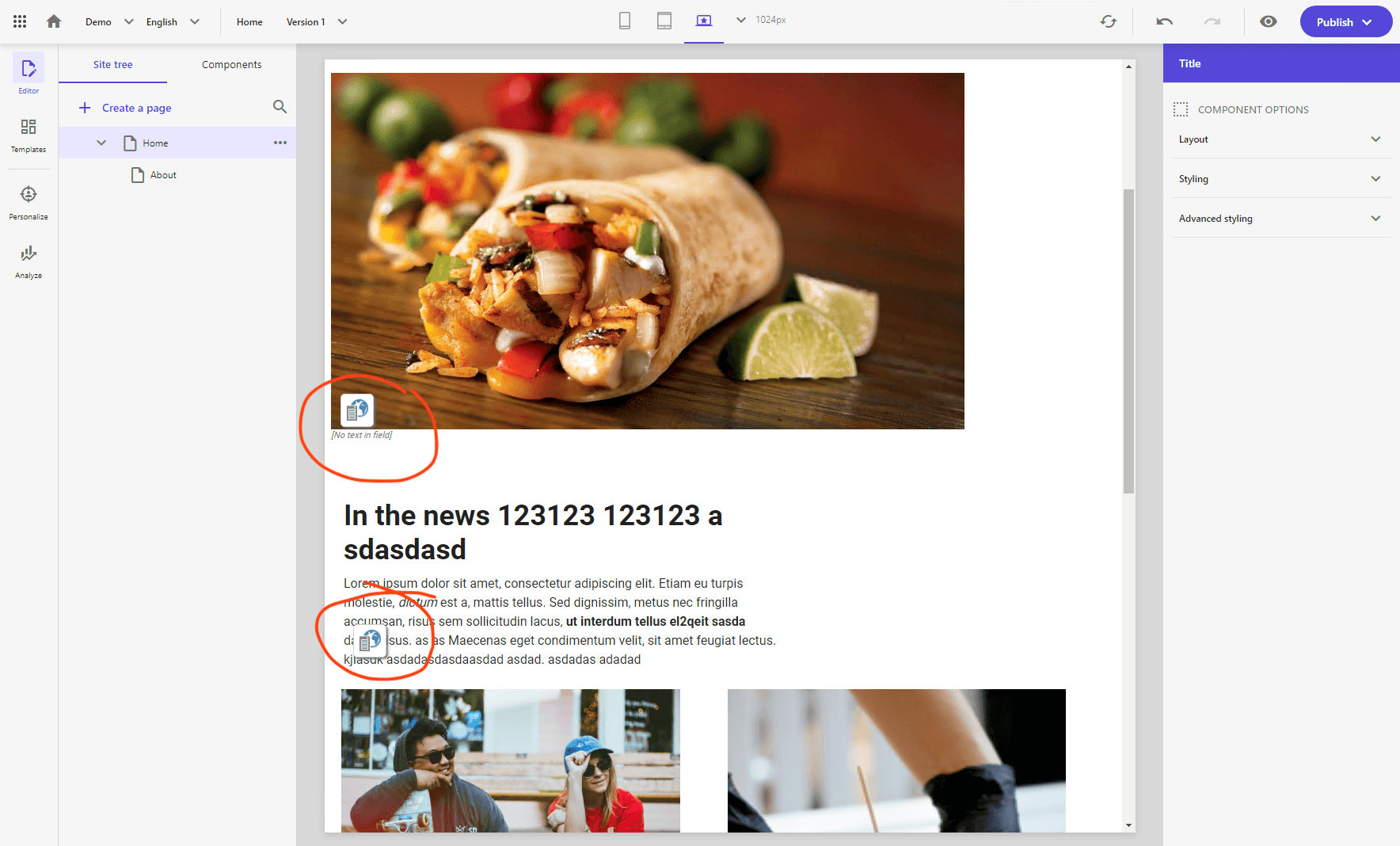
Previously, when it still worked, you could use the "Edit DAM fields" buttons on components to open the Bynder DAM Connector dialog:
Clicking that button opened a Field Editor window that allowed you to edit the DAM fields applicable to the component:
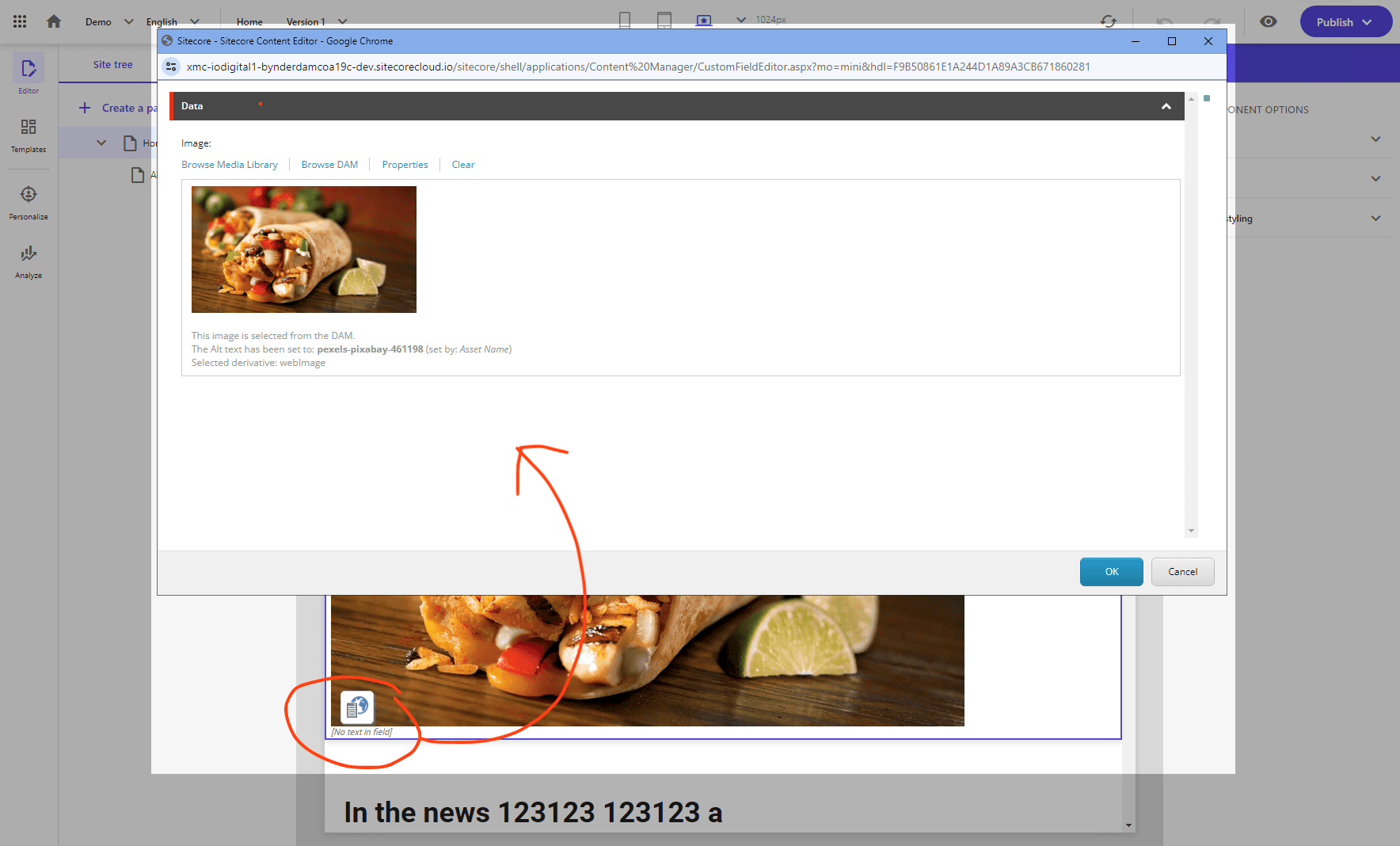
Changes that were made in the Field Editor would be saved back to the component content when you click the "OK" button.
However, in XM Cloud/SitecoreAI that button has stopped working.
Sitecore Pages now uses a newer integration model, and the legacy XP/XM connector integration is no longer reliably invoked there.
What this means in practice:
- The Edit DAM fields button will not open as expected in Pages
- With the XP/XM connector on XM Cloud/SitecoreAI, Content Editor is currently the only workaround for selecting Bynder assets
- XP/XM connector support in XM Cloud is limited and being phased out
Recommended action:
Move to the Bynder DAM Connector for SitecoreAI and follow the migration guide: Migrating from XP/XM Connector to SitecoreAI Connector