Custom field types
This documentation is still in progress and pages or sections might be missing or incomplete. If you have any questions, don't hesistate to contact us for support.
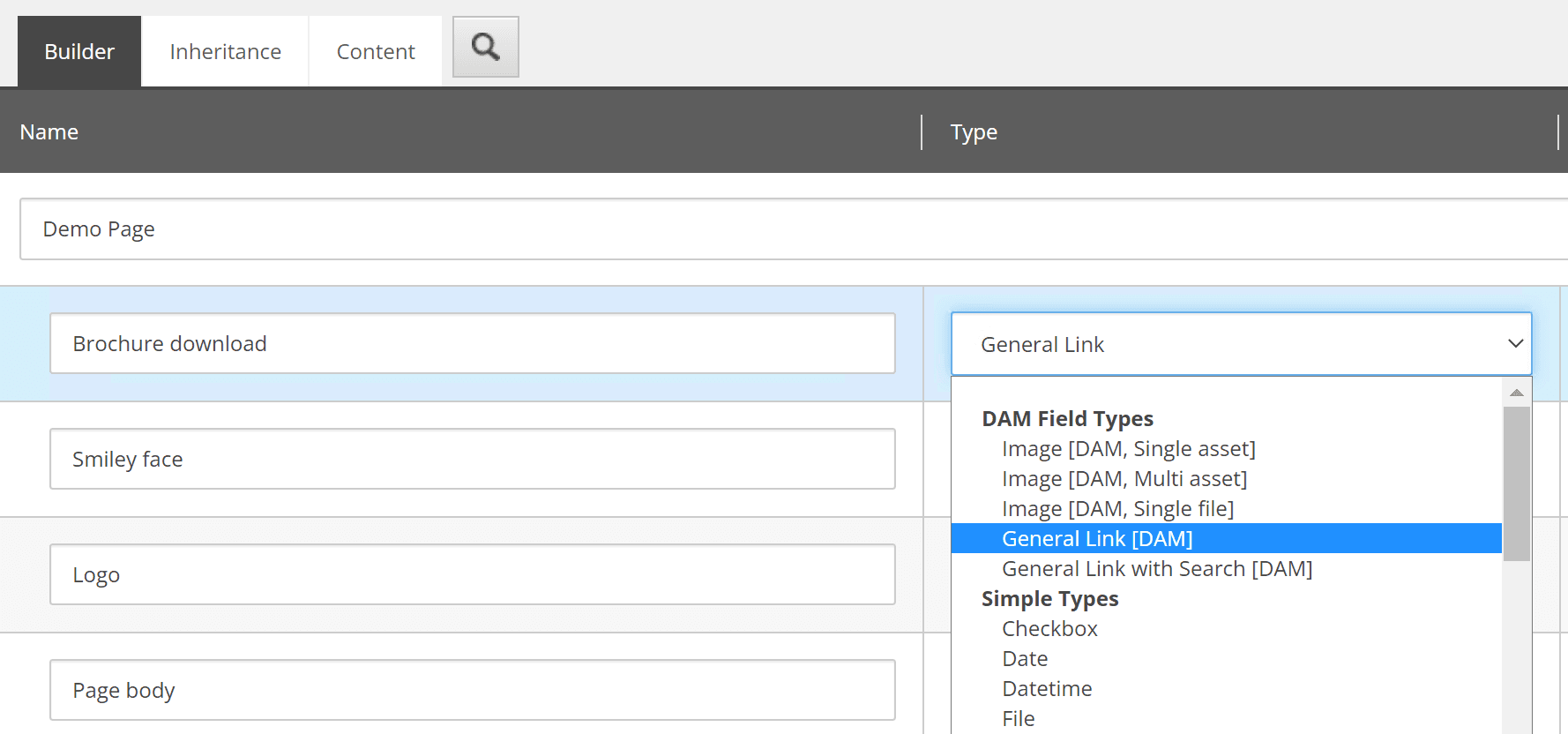
General Link

Allows selection of any asset type from Bynder DAM for creating links. Developers specify which derivative is used when rendering. Supports both image and document assets.

Image (Single asset)
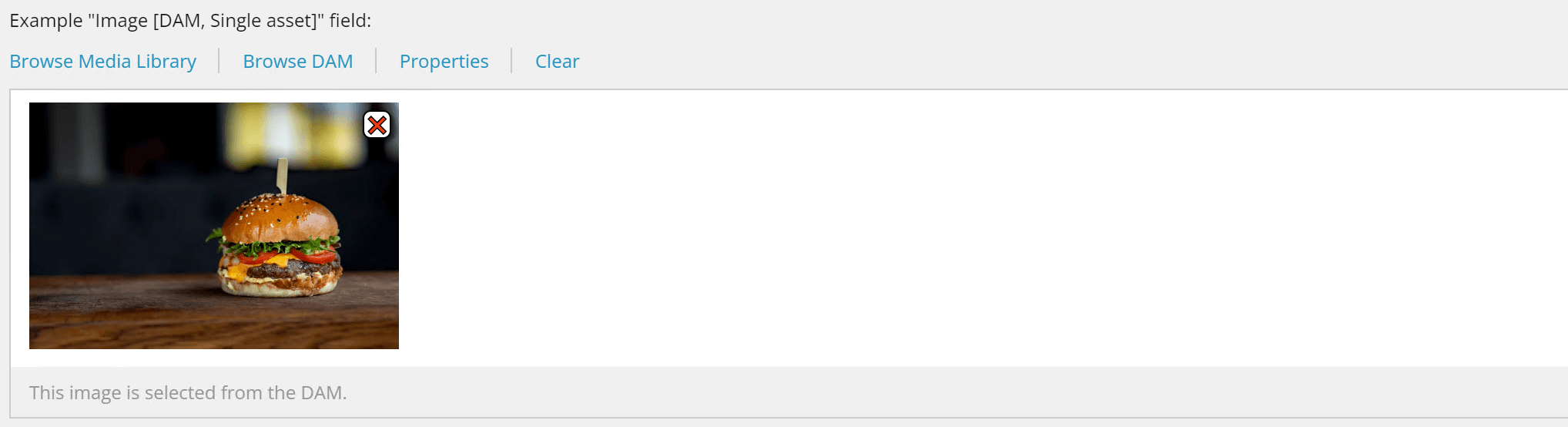
Allows selection of one image from Bynder DAM. Developers control which derivative is specified when rendering. The selected derivative is determined programmatically, not by the content author.
Image (Multi asset)
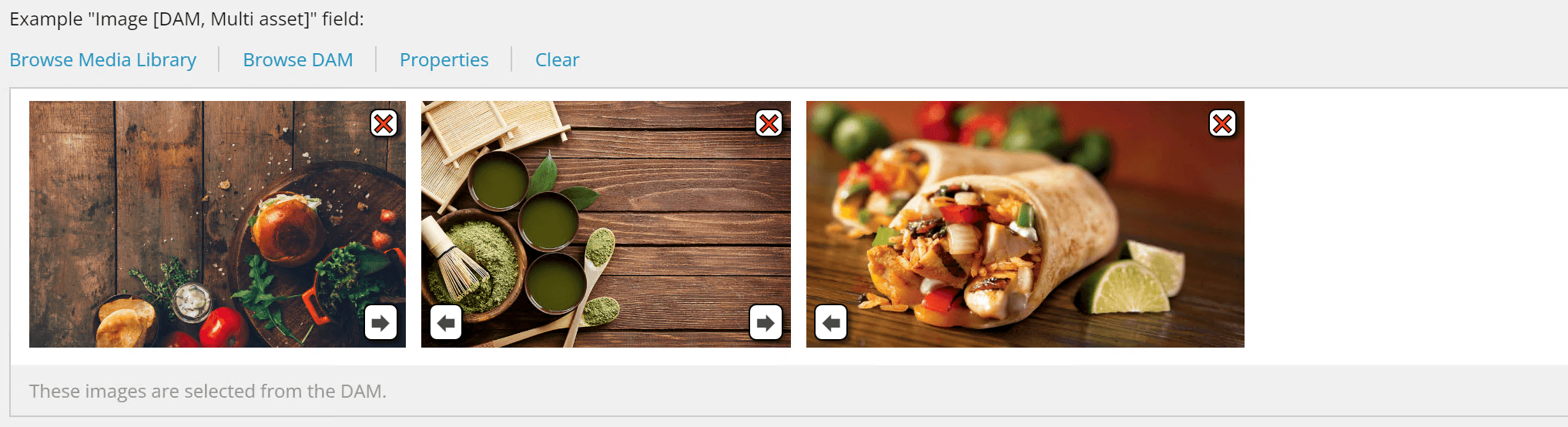
Enables selection of multiple images from Bynder DAM. Developers control which derivative is specified when rendering each image. Useful for galleries, carousels, and multi-image layouts where consistent derivative usage is important.
Image (Single file)
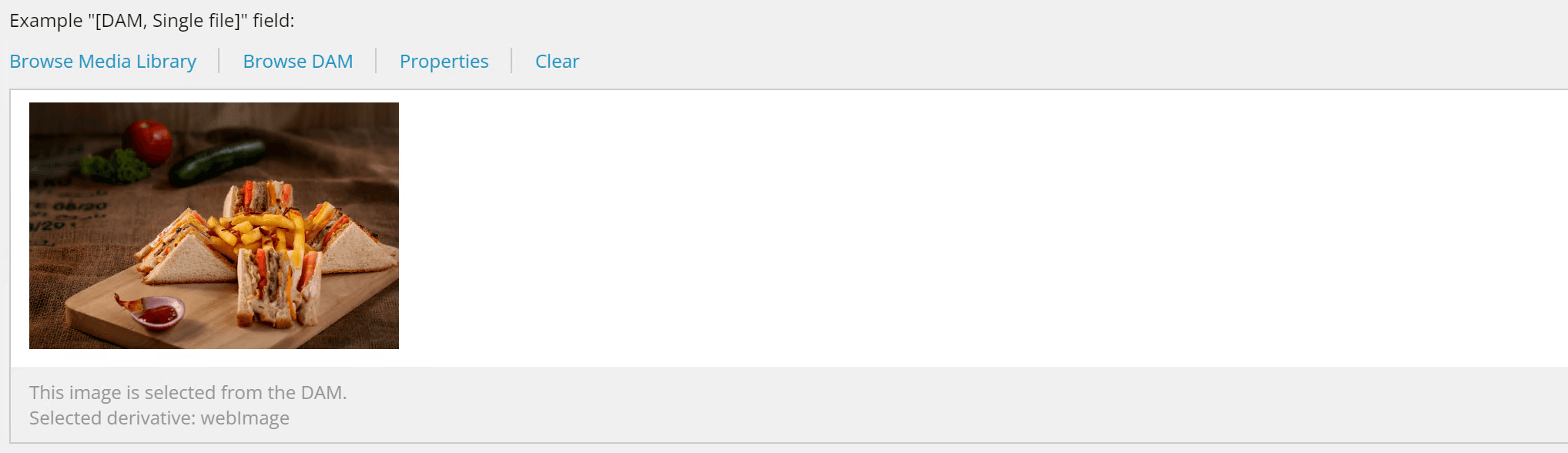
This field type enables content authors to select any asset type from Bynder DAM and apply derivatives and transformations. Unlike Single Asset and Multi-Asset field types where developers specify which derivative to use, the Single File field empowers content authors to choose:
- Derivatives: Different pre-configured sizes or versions of the asset
- Dynamic Asset Transformations (DAT): Custom image transformations such as:
- Resizing and cropping
- Applying filters (sepia, brightness, contrast, etc.)
- Format conversion
- Multiple transformations applied together
This flexibility makes it ideal for rich-text content and scenarios where content authors need direct control over asset rendering without developer intervention. The transformation is embedded in the field value, so developers can render it directly without additional parameters.
For more details, see Asset Selection & Transformations in the User Manual.